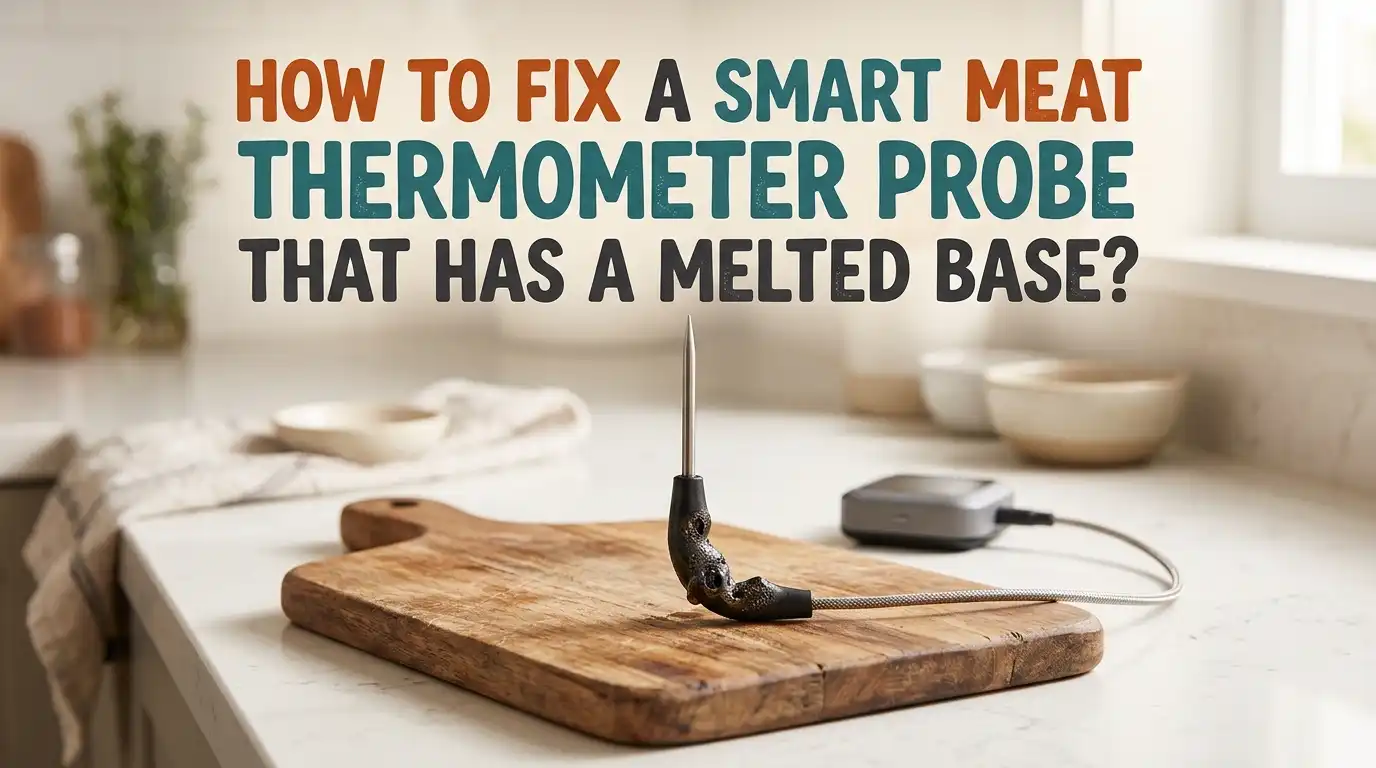
How to Fix a Smart Meat Thermometer Probe That Has a Melted Base?
Smart meat thermometers make cooking easier, but one bad cook session can leave you staring at a melted probe base. The plastic warps, the seal cracks, and panic sets in fast.
You spent good money on this gadget, and now it looks ruined. The good news? Many melted probes can still be saved, or at least replaced without buying a brand new kit.
This guide walks you through every fix, from cleaning the damage to claiming a warranty swap. You will learn what caused the melt, which repairs actually work, and which ones waste your time.
Key Takeaways
- Stop using the probe right away if you see melted plastic, cracks, or exposed wires. A damaged seal lets moisture reach the electronics inside and can cause shorts, wrong readings, or total failure.
- Most smart probes have heat limits of around 1000°F at the metal tip but only 212°F to 275°F at the plastic base. Going past these limits melts the handle, even if the food side seems fine.
- Warranty claims are your best first move. Brands like MEATER, Combustion Inc, ThermoWorks, and Chef IQ often replace melted probes for free if the damage falls within normal use and the warranty window.
- Light surface melting can sometimes be smoothed with fine sandpaper, food safe epoxy, or heat shrink tubing. Deep melts that expose wires usually mean the probe is done.
- Prevention matters more than repair. Keep the base away from direct flames, use a deflector, push the probe in past the safety line, and never leave it on a grill grate where flare ups happen.
- Buying a single replacement probe is often cheaper than a whole new system, so always check the brand’s support page before tossing the unit.
What Causes the Probe Base to Melt in the First Place
The probe base melts because the plastic housing sits in heat higher than it was built to handle. Most smart probes use food grade silicone or high temp plastic, which can take roasting heat but not direct flames. Flare ups, charcoal contact, or sitting on a hot grate are the top reasons.
Another cause is not inserting the probe deep enough into the meat. The meat itself acts as a heat shield. When the safety line stays exposed to air, the base gets cooked instead of staying cool.
Even one short cook with the base in open flame can warp it permanently. Knowing the cause helps you avoid repeating the same mistake after the fix.
Inspect the Damage Before You Try Any Repair
Before grabbing tools, look closely at the probe. A simple visual check tells you if the fix is worth your time. Hold the probe under bright light and rotate it slowly. Check for melted ridges, soft spots, exposed metal wires, or cracks running along the seam.
Press the base gently with your fingernail. If it feels spongy, sticky, or flakes off, the plastic broke down at the molecular level. That kind of damage cannot be sealed well enough for food use.
If the melt is only cosmetic, like a small bubble or scorch mark, you can likely clean it up and keep cooking. Always take a clear photo too, since you may need it for a warranty claim later.
Clean the Probe Before Doing Anything Else
Cleaning the probe gives you a clear view of the real damage and removes stuck food that can hide cracks. Use warm soapy water and a soft cloth. Never put the probe in the dishwasher, even if the box says it is safe, because hot water can spread existing melts.
Wipe the metal shaft first, then carefully dab the melted base. Avoid scrubbing pads, since they tear soft plastic further. For burnt sugar or grease, soak the metal tip in warm vinegar for ten minutes while keeping the base dry.
After cleaning, dry the probe fully with a microfiber cloth. A clean probe also helps any adhesive or sealant stick better if you plan to patch it.
Pros: Cleaning is free, quick, and reveals the true condition.
Cons: It will not repair structural damage and can worsen loose plastic if you scrub too hard.
Smooth Out Minor Surface Melts With Fine Sandpaper
If the melt is only on the outer surface and the probe still works, light sanding can clean up the look and remove rough edges that trap bacteria. Use 400 grit or finer sandpaper and rub gently in one direction. Stop often to check your progress.
The goal is a smooth, even surface, not a perfect finish. Do not sand near any wire openings or the metal joint. After sanding, wipe the area with a damp cloth and let it dry. This trick works best on probes with hard plastic bases, not silicone ones. Silicone tears instead of smoothing, so skip this method if your probe feels rubbery.
Pros: Cheap, fast, and keeps the probe usable for low heat cooks.
Cons: Does not restore the heat seal, and overdoing it can thin the plastic further.
Seal Small Cracks With Food Safe Epoxy
For small cracks at the base, a food safe, high temp epoxy can buy your probe more life. Look for epoxies rated for at least 500°F and labeled safe for indirect food contact. Mix the two parts as the package instructs and apply a thin layer over the crack with a toothpick.
Let it cure for the full time listed, usually 24 hours. Do not rush this step, because uncured epoxy can leach chemicals into your food. Once hardened, test the probe in boiling water first to check for leaks. If steam escapes or readings jump around, the seal failed and the probe should be retired.
Pros: Restores some waterproofing and extends probe life for low heat cooks.
Cons: Not safe for direct flame use, and the bond may fail under repeated heating.
Use Heat Shrink Tubing for Wired Probes
If your smart thermometer uses a wired probe with a melted base near the cable, heat shrink tubing offers a clean repair. Pick a piece rated for high temperatures, ideally 600°F or higher. Slide it over the damaged area before plugging the probe back into anything.
Use a heat gun on low setting, not a lighter, to shrink the tubing evenly. A lighter creates uneven heat and can melt the tubing into a sticky mess.
Make sure the tubing covers the whole melted spot plus half an inch on each side. This method works best when the wire insulation is also damaged near the base, since it protects both at once.
Pros: Strong, neat, and adds real heat protection.
Cons: Only works on wired probes, not fully wireless ones like MEATER or TempSpike.
Check If the Probe Still Reads Temperature Correctly
Even if the base looks fixed, the sensor inside may be damaged. Test the probe by dipping the metal tip in a glass of ice water. It should read 32°F, give or take 2 degrees. Next, test it in boiling water, where it should read 212°F at sea level.
If either reading is off by more than a few degrees, the internal sensor took heat damage and the probe is no longer reliable. A bad sensor means undercooked chicken or burned steaks, neither of which is worth the risk. Always run this test before trusting the probe on real food again. Note the results in case you decide to file a warranty claim later.
File a Warranty Claim With the Manufacturer
Many smart thermometer brands cover melted probes under warranty, especially if the damage happened during normal use. MEATER offers a one year warranty in the US and two years in most other countries. Combustion Inc covers their probes for around two years, and ThermoWorks has strong support too.
Contact customer service through the official app or website. Send clear photos of the damage, your order number, and a short note about what you were cooking. Be honest, since many companies still replace probes even if user error caused the melt. Response times usually run three to seven business days, and replacements often ship free.
Pros: Free or low cost replacement, no DIY risk.
Cons: Requires waiting, and out of warranty probes will not qualify.
Buy a Single Replacement Probe Instead of a New Set
If the warranty has run out, check if your brand sells single probes. Most major smart thermometer makers offer individual probes for a fraction of the full kit price. MEATER, Combustion, ThermoWorks, and Chef IQ all list replacement probes on their official sites.
Pairing a new probe with the old base unit is usually simple. Open the app, go to settings, and follow the pairing steps for new hardware. Some brands need a charge cycle of two hours before the new probe will sync. Always order directly from the brand or an authorized seller to make sure the probe matches your model and firmware.
Pros: Cheaper than a full new kit and keeps your charger and app history.
Cons: Not every brand sells single probes, and pairing can sometimes fail.
Know When to Stop Repairing and Replace the Whole Unit
Sometimes the smart move is letting go. If the probe shows exposed wires, deep cracks, or a wobbly metal tip, no repair will make it food safe. Bad readings can cause undercooked meat, which carries real health risks like salmonella and E coli.
If your unit is more than three years old, the battery inside the probe may also be near end of life. Lithium batteries inside wireless probes lose capacity over time, especially after heat exposure.
A melted base often means the battery sat too close to heat too long. Replacing the full unit gives you fresh tech, better range, and updated app features.
Prevent Future Probe Base Melts With Smart Cooking Habits
The best fix is making sure it never melts again. Always push the probe in past the safety line marked on the shaft. This keeps the base hidden inside the meat where temperatures stay safe. For thin cuts, lay the probe sideways instead of straight down.
Keep the base away from direct flames and hot coals. Use a heat deflector or move the probe to the cooler side of a two zone grill. Never leave the probe sitting on the grate between cooks. For oven use, point the base away from the heating element. These small habits save you from buying probes over and over.
Store and Maintain Your Probe the Right Way
Good storage adds years to any smart probe. Always charge the probe before storing it, but unplug it once full to protect the battery. Keep it in its original case or a drawer away from sharp tools that could nick the base.
Clean the probe after every cook, even if it looks fine. Grease and salt left on the base can speed up plastic breakdown over time.
Check the firmware monthly through the app, since updates often improve heat handling and battery life. Store the unit at room temperature, not in a hot garage or near the stove. A well kept probe rarely melts in the first place.
Frequently Asked Questions
Can I still use a smart meat thermometer probe with a slightly melted base?
You can use it for low heat cooks under 250°F, but only if the metal tip still reads temperatures correctly. Test it in ice water and boiling water first. Avoid using it for poultry or pork where accurate readings matter most for food safety.
Will a melted probe make my food unsafe to eat?
The plastic itself rarely contaminates food directly, but a damaged probe gives wrong temperature readings, which can leave meat undercooked. That is the real safety risk. If you cannot trust the reading, do not trust the meal.
How hot is too hot for a smart thermometer probe base?
Most probe bases handle up to 212°F to 275°F. The metal tip can take much more, often up to 1000°F, but the plastic or silicone handle is the weak spot. Always check your brand’s spec sheet for exact limits.
Does MEATER replace melted probes for free?
MEATER often replaces probes within the warranty period if the damage came from normal use. Send photos and your order number through their support page. Probes melted from clear misuse may not qualify, but it is always worth asking.
Can I use super glue to fix a cracked probe base?
Super glue is not food safe and breaks down under heat. Use a high temperature, food safe epoxy instead. Even then, only patch small cracks and never trust the repair for high heat grilling or smoking sessions.

Hi, I’m Rue Hessel, the founder and voice behind TheGenTool. I’m a passionate tech enthusiast who loves exploring the latest gadgets, smart devices, and electronics that shape our everyday lives. Through my website, I share honest, hands-on reviews of trending Amazon products to help you make smarter and more confident buying decisions.