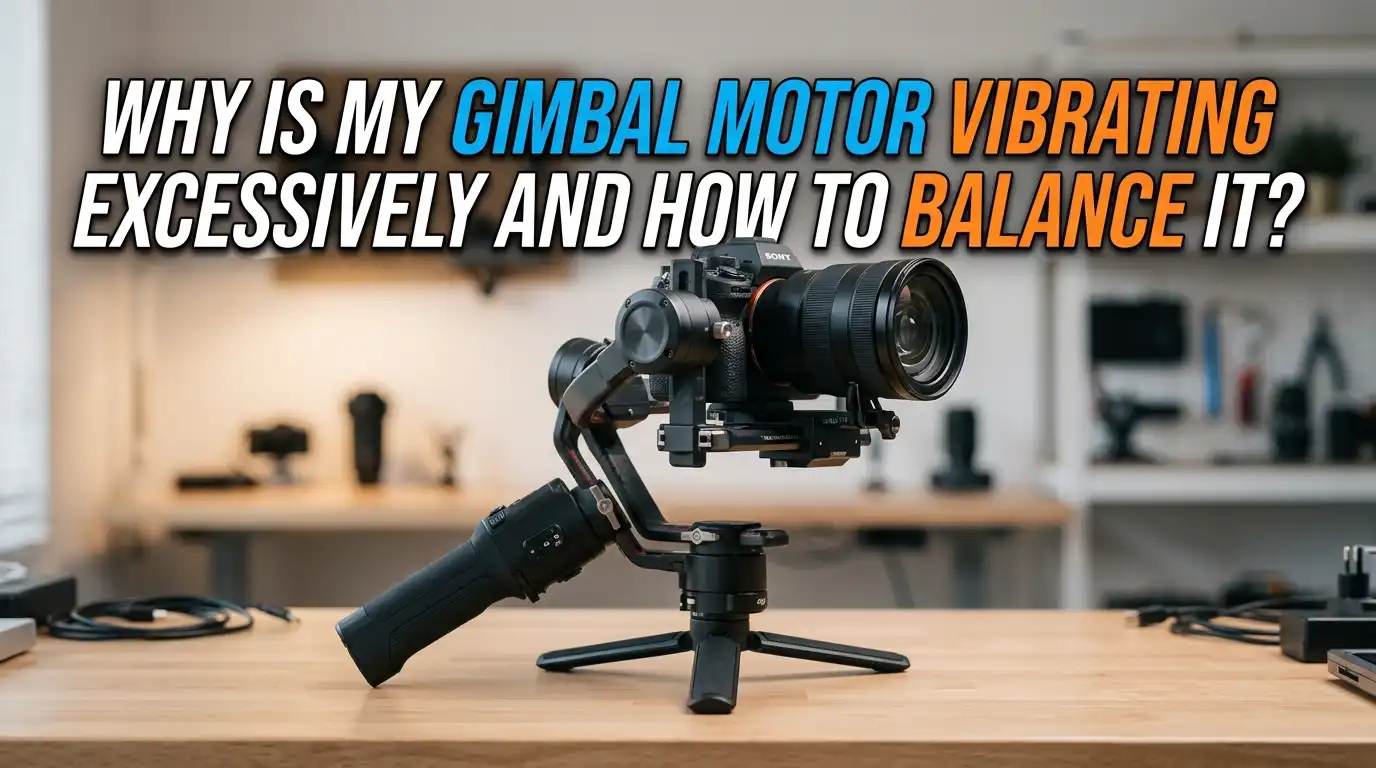
Why Is My Gimbal Motor Vibrating Excessively and How to Balance It?
Gimbal motor vibration ruins smooth footage in seconds. One moment your shots look cinematic, and the next your camera shakes like a washing machine. This problem frustrates beginners and pros alike, whether you fly a drone or shoot with a handheld gimbal.
The good news is that most vibration issues come from a few common causes. Poor balance, wrong motor power, loose parts, and software glitches top the list. You can fix each one at home with simple tools and patience.
This guide breaks down every cause and gives you clear steps to balance your gimbal correctly. You will learn how motors, sensors, and physical setup work together. By the end, your gimbal should run quiet, smooth, and ready to capture stable shots again.
In a Nutshell
- Bad balance is the top reason your gimbal motor vibrates. The motors fight gravity instead of just stabilizing the camera, which causes shaking and overheating.
- Always balance one axis at a time. Start with the tilt axis, then move to the roll axis, and finish with the pan axis for the cleanest results.
- Motor power settings matter a lot. Too much power on a light camera causes high frequency buzzing, while too little power lets the camera droop.
- Check the small parts first. Loose screws, worn dampers, dirty ribbon cables, and damaged props on drones all create vibration that travels straight into the motors.
- Firmware and IMU calibration solve many hidden issues. A quick software update or sensor reset often clears warnings that hardware fixes cannot.
- Test in calm conditions. Wind, magnetic interference, and uneven surfaces can mimic motor problems, so always rule out the environment before opening your gimbal.
What Causes a Gimbal Motor to Vibrate Excessively
Gimbal motors vibrate when they work harder than they should. The motors try to hold your camera steady against gravity and movement. When something is off, they overcorrect and shake.
The most common cause is poor camera balance. If your camera leans forward, the tilt motor must push back constantly. This pushback creates a buzz you can hear and feel.
Other causes include wrong PID settings, too much motor power, loose screws, damaged propellers on drones, and worn rubber dampers.
Software bugs and outdated firmware also play a role. Even a dirty connector can confuse the controller and cause shaking. Knowing the cause helps you pick the right fix instead of guessing.
How Poor Balance Triggers Motor Vibration
A balanced camera sits still on its own when the motors are off. If you let go and the camera tips forward, backward, or sideways, the balance is wrong. The motors then strain to hold it in place.
This strain shows up as vibration, buzzing, and heat. Over time, it also drains your battery faster and wears out the motors. You may see the gimbal drift mid shot or hear a clicking sound near the joints.
Static balance means the camera holds any position with motors off. Dynamic balance means the camera stays smooth while you move and pan. You need both for clean footage. Always balance your gimbal before every shoot, and rebalance after changing lenses, filters, or screens.
Step by Step Guide to Balance the Tilt Axis
The tilt axis controls up and down camera movement. Start here because it carries the most weight. Turn off your gimbal first, then unlock only the tilt axis.
Slide the camera forward or backward on the top plate until it stays level when you let go. Test at three angles: lens up, lens level, and lens down. The camera should hold each position without drifting.
Next, adjust the vertical tilt depth. Slide the camera up or down on the dovetail mount until it does not tip front or back when tilted sideways. Lock the screws tight once balanced. A well balanced tilt axis stops most vibration before you even touch the other axes. Take your time here, since this step affects every other adjustment.
Pros: Easy to do, needs no tools, fixes most shaking. Cons: Requires patience, must redo with every camera change.
Step by Step Guide to Balance the Roll Axis
The roll axis controls side to side camera tilt. Once your tilt axis is locked and balanced, unlock the roll axis. The camera should sit level without leaning left or right.
Slide the camera or the roll arm sideways until the camera stays flat. Let go fully and watch for any drift. If the camera rolls to one side, you need to shift the weight in the opposite direction.
Some gimbals have a thumb screw on the roll arm for fine tuning. Use small movements and test often. Once balanced, lock the roll axis firmly. A balanced roll axis stops the side rocking motion that often shows up as a low hum in your motors.
Pros: Quick adjustment, prevents tilted horizons in footage. Cons: Easy to overshoot if you move too fast, so go slow.
Step by Step Guide to Balance the Pan Axis
The pan axis controls left and right rotation. To test it, tilt the whole gimbal forward at about fifteen degrees while holding the handle. If the camera swings to one side on its own, the pan axis is off.
Loosen the pan arm screw and slide the arm forward or backward. Keep the gimbal tilted while you adjust. The goal is for the camera to stay still in any pan position, even when tilted.
Lock the pan axis once it holds steady. A balanced pan axis is the secret to smooth turning shots. Skipping this step is a common mistake that leaves motors fighting your every move. After all three axes are balanced, power on the gimbal and watch for smooth, quiet operation.
Pros: Removes drift during panning, saves motor power. Cons: Hardest axis to balance, may need several tries.
Adjusting Motor Power Settings to Stop Buzzing
If your gimbal still vibrates after perfect balance, the motor power may be too high. Software like SimpleBGC or DJI Assistant lets you tune this setting. High motor power on a light camera causes a high pitched buzz.
Open your gimbal software and find the motor power slider. Lower the value by five to ten points at a time. Test after each change by holding the gimbal still and listening. The buzz should fade as you find the right level.
If the camera starts to droop, you went too low. Bring the power back up slightly until the camera holds firm without buzzing. Save your settings once you find the sweet spot.
Pros: Stops buzzing fast, extends battery life. Cons: Needs a computer and software, can be confusing for first time users.
Tuning PID Values for Smooth Motor Response
PID stands for Proportional, Integral, and Derivative. These three values control how your motors react to movement. Wrong PID values cause shaking, drift, or sluggish response.
Start with the P value. Increase it slowly until the motor starts to oscillate, then lower it by about twenty percent. Do the same with the D value, which controls damping. The I value handles long term drift and usually needs less change.
Tune one axis at a time and one value at a time. Always test in a calm room with no wind. Save a backup of your settings before you start, so you can return to a safe baseline if something goes wrong.
Pros: Fixes deep vibration issues, gives full control. Cons: Time consuming, easy to make things worse without care.
Checking for Loose Screws and Worn Parts
Vibration sometimes comes from loose hardware, not the motors themselves. Over time, screws on the arms, mounts, and motor housings work themselves loose. A wobbly screw turns smooth motion into shaky motion.
Go through every screw on your gimbal with the correct size hex key. Tighten gently, not forcefully, since stripped threads cause bigger problems. Check the dovetail plate, the lens support, and the handle grip.
Also inspect the rubber dampers between the gimbal and the mount. Worn or cracked dampers let vibration pass through to the camera. Replace them if they look loose, shiny, or torn. This simple check often solves problems that look like motor failure.
Pros: Cheap and fast, prevents future damage. Cons: Easy to overlook one small screw, requires careful inspection.
Updating Firmware to Fix Vibration Bugs
Manufacturers release firmware updates to fix known bugs. Some gimbal vibration warnings come from software, not hardware. DJI, Zhiyun, and other brands often push updates that solve shaking issues.
Connect your gimbal to its official app or desktop software. Check the firmware tab and install any available update. Make sure your battery is at least fifty percent full before you start, and never disconnect mid update.
After updating, recalibrate the gimbal and test it. If a new firmware version causes new problems, check the maker website for a rollback option. Some users report that older firmware works better for their setup. Keep notes on which version runs best for you.
Pros: Free fix, no hardware work needed. Cons: Updates can sometimes add new bugs, takes time to install.
Recalibrating the IMU and Gimbal Sensors
The IMU, or inertial measurement unit, tells your gimbal which way is up. If the IMU drifts, the motors get wrong signals and vibrate to compensate. Recalibrating the IMU often clears mystery shaking.
Place your gimbal on a flat, level surface. Open the calibration menu in your gimbal app and follow the on screen steps. You may need to rotate the gimbal through several positions during the process.
Do not touch or move the gimbal while it calibrates. The process takes a few minutes. Once done, test the gimbal with a light camera or phone first. If the vibration is gone, mount your full setup and check again in real shooting conditions.
Pros: Solves hidden sensor drift, takes only minutes. Cons: Must be on a perfectly level surface, may need to repeat.
Fixing Drone Specific Gimbal Vibration Issues
Drone gimbals face extra challenges from props, wind, and motor noise. Damaged or unbalanced propellers send vibration straight into the gimbal. Check every prop for chips, cracks, or bent edges before flying.
Replace damaged props as a set, not just one. Also inspect the rubber dampers that connect the gimbal to the drone body. These small parts absorb most flight vibration, so worn dampers cause big problems.
Loose ribbon cables near the gimbal can also cause shaking. Power off your drone, then gently reseat the ribbon cable if you feel comfortable doing so. Avoid flying in strong wind, which can mimic gimbal problems. If issues continue, contact the maker for a gimbal assembly check.
Pros: Restores smooth aerial footage, prevents crashes. Cons: Some fixes need pro repair, parts can be costly.
When to Replace Your Gimbal Motor or Assembly
Sometimes the motor itself is the problem. If a motor runs hot, smells burnt, or makes grinding sounds, it may have failed. Magnets inside can come loose, or the windings can short out.
Try every software and balance fix first. If none work, the motor likely needs replacement. Some brands sell single motor parts, while others only sell full gimbal assemblies. Check your warranty before opening the gimbal yourself.
DIY motor swaps are possible but tricky. You need soldering skills and matching parts. For drones and high end gimbals, pro repair is often the safer route. Weigh the cost of repair against the price of a new unit before you decide.
Pros: Restores full function, often cheaper than new gear. Cons: Requires skill or service fees, may void warranty.
Tips to Prevent Future Gimbal Vibration Problems
Prevention saves you time and money. Always balance your gimbal before every shoot, even if nothing changed. Small shifts from travel or temperature can throw off your settings.
Store your gimbal in a padded case with the locks engaged. Loose storage stresses the motors and bearings over time. Keep the gimbal clean and dust free, since grit in the joints adds friction.
Avoid using cameras heavier than your gimbal’s rated payload. Overloading kills motors fast. Check screws and dampers once a month, and update firmware when new versions come out. With this simple routine, your gimbal should run smooth for years without major issues.
Pros: Saves money, extends gear life. Cons: Needs habit and discipline, easy to skip when in a rush.
FAQs
Why does my gimbal vibrate only when the camera is mounted?
This happens when the camera adds weight that throws off the balance. Rebalance all three axes with the camera and any accessories attached. Also check that motor power matches your camera weight in the gimbal software.
Can I balance a gimbal without using any software?
Yes, basic mechanical balancing needs no software. You just turn off the gimbal and adjust each axis by hand. However, fine tuning motor power and PID values does need software for best results.
How long does it take to balance a gimbal properly?
A first time balance can take twenty to thirty minutes. With practice, most users finish in five to ten minutes. Always check balance before each shoot, even if it only takes a quick test.
Is some gimbal vibration normal during use?
A very faint motor hum is normal and shows the motors are working. Loud buzzing, shaking, or visible camera wobble is not normal. If you can see or hear strong vibration, something needs fixing.
Does cold weather make gimbal vibration worse?
Yes, cold temperatures stiffen lubricants and batteries, which can cause more vibration. Let your gimbal warm up to room temperature before use. Also keep batteries warm in your pocket until you start filming.
Will overloading my gimbal cause permanent damage?
Yes, using a camera heavier than the rated payload strains the motors and bearings. This can lead to permanent vibration, drift, and motor failure. Always check the payload spec before mounting new gear.

Hi, I’m Rue Hessel, the founder and voice behind TheGenTool. I’m a passionate tech enthusiast who loves exploring the latest gadgets, smart devices, and electronics that shape our everyday lives. Through my website, I share honest, hands-on reviews of trending Amazon products to help you make smarter and more confident buying decisions.