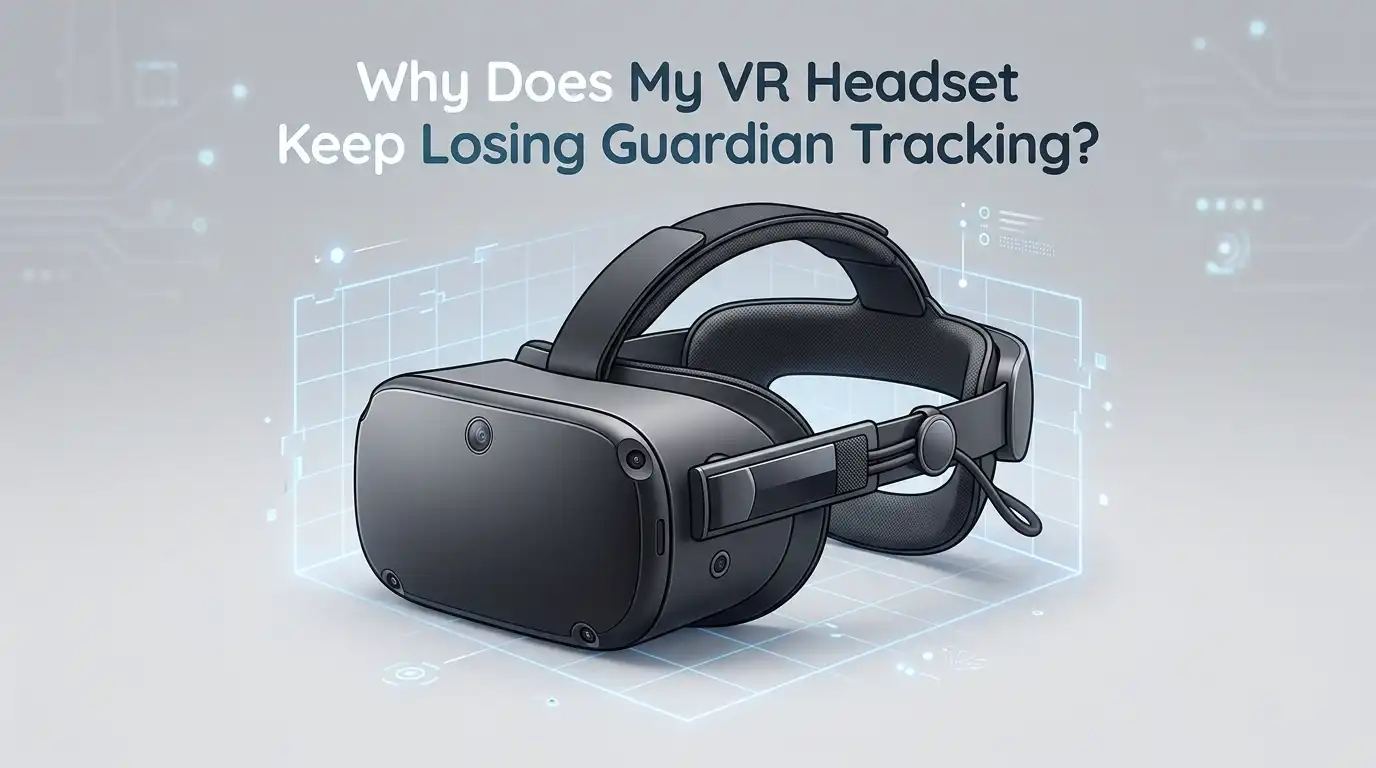
Why Does My VR Headset Keep Losing Guardian Tracking?
Nothing breaks immersion faster than your VR headset flashing that dreaded “Tracking Lost” or “Guardian Not Found” message right in the middle of an intense gaming session.
One moment you are slicing blocks or dodging arrows, and the next moment your virtual world freezes and your boundary disappears.
If this keeps happening to you, you are not alone. Thousands of Meta Quest, Pico, and Vive users report the same frustrating problem every single day.
In a Nutshell:
- Lighting matters more than you think. Your headset uses inside out cameras to map your room. Rooms that are too dark, too bright, or full of reflective surfaces confuse the sensors and trigger constant boundary loss.
- Dirty cameras cause tracking ghosts. Smudges, dust, and fingerprints on the front cameras block infrared signals. A quick wipe with a microfiber cloth fixes a huge percentage of tracking complaints.
- Stored Guardian history can corrupt itself. Your headset saves multiple play areas in memory. When that list gets too long or buggy, tracking resets every few seconds. Clearing physical space history usually solves this instantly.
- Software updates introduce new bugs. Some Quest updates, like the v64 lying down mode patch, caused widespread boundary problems. Updating or rolling back firmware often restores normal tracking.
- Hardware damage is real but rare. Sweat damage to depth sensors, dropped headsets, and loose face pads can break tracking permanently. If software fixes fail, your headset may need repair.
- Your environment is half the battle. Featureless walls, moving pets, ceiling fans, and shiny floors all reduce tracking reliability. Small room changes deliver big tracking improvements.
What Guardian Tracking Actually Does
Guardian is the safety system that draws a virtual boundary around your play space. Your headset uses its outward facing cameras to track room features and your position inside that boundary. When the cameras lose enough reference points, the system panics and shuts down tracking to keep you safe.
Think of Guardian as a digital fence with eyes. It watches the floor, walls, and furniture, and compares what it sees right now against what it saved during setup. If the match drops below a certain confidence level, you get the “Tracking Lost” warning. Understanding this helps you fix the root cause instead of just rebooting every time.
The system depends on three things working together: clean cameras, stable lighting, and a recognizable environment. Break any one of those, and Guardian fails. Most fixes in this guide target one of these three pillars.
Reason 1: Poor Lighting in Your Play Space
Lighting is the number one cause of Guardian tracking loss. Your headset cameras need consistent, even light to see your room clearly. Rooms that are too dim leave the cameras guessing, while harsh sunlight blinds them completely. Both extremes trigger boundary loss.
The sweet spot is bright indoor lighting without direct sunlight. Aim for the kind of light you would use to read a book comfortably. Avoid playing during sunset when light levels shift quickly, and close curtains if sunbeams hit your floor or walls. Christmas lights, RGB strips, and flickering bulbs also confuse the cameras.
Pros of fixing lighting: Free, fast, and often solves the problem in under a minute.
Cons: You may need to buy a lamp or rearrange your room. Some rooms simply cannot get bright enough without daytime windows, which limits your evening play sessions.
Reason 2: Dirty or Smudged Cameras
Every time you grab your headset, your fingers leave oils on the front cameras. Add some dust, hair, and the occasional sneeze, and your tracking sensors are looking through a foggy window. This is the easiest fix on the entire list, yet most users skip it.
Grab a clean microfiber cloth, the kind you use for glasses or phone screens. Gently wipe each front camera in small circles. Do not use water, alcohol wipes, or paper towels, since these can scratch the lenses or leave residue. Check all four cameras on a Quest 2 or all six on a Quest 3.
Pros of cleaning cameras: Costs nothing, takes thirty seconds, and works on every headset model.
Cons: It is only a temporary fix if you keep touching the cameras with bare fingers. You will need to repeat this cleaning every week or two depending on how often you use your headset.
Reason 3: Stored Guardian History Overload
Your Quest saves every play space you ever set up. Over months of use, that list grows huge. When the headset cannot decide which saved boundary matches your current room, it gives up and shows “Guardian Not Found” repeatedly.
To fix this, open Settings, then Privacy and Safety, then Device Permissions, and finally Clear Physical Space History. This is different from clearing boundary history alone, and it works much better. After clearing, set up a fresh Guardian boundary for your main play area.
Pros of clearing history: Solves persistent boundary resets that no other fix touches. Takes about two minutes.
Cons: You lose all your saved play spaces and have to redraw them. If you play in multiple rooms, you will need to recreate each boundary from scratch, which is mildly annoying.
Reason 4: Featureless or Reflective Surfaces
Your headset tracks by spotting unique features in your room, such as picture frames, furniture edges, and patterns on the floor. Blank white walls, mirrors, glass tables, and shiny hardwood floors give the cameras nothing to lock onto. The result is constant tracking drift.
Add visual texture to your play space if you can. Hang a poster, place a rug on the floor, or add a bookshelf within camera view. Cover large mirrors with a sheet during play sessions. These small changes give the tracking system reliable anchor points to follow.
Pros of changing your environment: Permanently improves tracking quality and reduces drift even in good lighting.
Cons: You may need to redecorate or move furniture. Renters and people with minimalist style might find this fix inconvenient. Mirrors are especially tricky because covering them defeats the point of having them.
Reason 5: Outdated or Buggy Firmware
Meta pushes Quest updates roughly every month, and not all of them are smooth. The v64 update in April 2024 famously broke boundary tracking for thousands of users because of a new lying down mode feature. Other updates have caused similar headaches across different headset brands.
Check your current software version under Settings, then System, then Software Update. If you are behind, install the latest patch since Meta usually fixes known bugs quickly. If a recent update broke your tracking, search community forums for that exact version to see if others share the issue.
Pros of updating: Fixes known bugs, adds new features, and keeps your headset secure.
Cons: You cannot easily roll back updates on most consumer VR headsets. If the new update introduces fresh bugs, you are stuck waiting for the next patch. Always read patch notes before forcing an update on a working system.
Reason 6: Loose Face Pad or Foam Insert
This one surprises a lot of users. The face pad on your headset is not just for comfort. It also blocks light leaks that confuse the internal proximity sensor. When the foam shifts or comes loose, stray light enters and can trigger random tracking pauses or wake events.
Press your face pad firmly back into place, making sure all clips or magnets line up correctly. If you use a third party silicone cover, check that it sits flat and does not block any sensors. Replace worn out foam since compressed foam fails to seal properly against your face.
Pros of fixing the face pad: Improves comfort and tracking at the same time. Cheap to replace if needed.
Cons: Replacement pads cost money, and finding the right size for aftermarket covers can take trial and error. Some users with glasses find perfect seals impossible to achieve.
Reason 7: Battery Level Affecting Performance
Low battery sometimes causes your headset to throttle camera performance to save power. When this happens, the tracking frame rate drops and Guardian struggles to keep up. You might notice the issue gets worse near the end of long sessions.
Keep your headset above twenty percent battery during play. Plug in a power bank or use a long USB C cable for marathon sessions. If your battery degrades over time, which happens after about two years of use, consider professional battery replacement.
Pros of managing battery: Simple awareness fix that prevents tracking drops during long sessions.
Cons: Cables can pull on your head and ruin immersion. Power banks add weight to your headset strap. Battery replacement on most VR headsets requires opening the device, which voids warranty.
Reason 8: Wireless Interference and Signal Issues
If you stream PC VR through Air Link or Virtual Desktop, weak Wi Fi signals can mimic tracking loss. The image freezes, you assume Guardian failed, but the real problem is your network. Crowded 2.4 GHz channels and distant routers cause this regularly.
Switch to a 5 GHz or 6 GHz Wi Fi network dedicated to your VR headset. Place the router in the same room as your play space, ideally with line of sight. Disconnect other devices from that network during play if possible. Bluetooth devices nearby can also create interference on 2.4 GHz.
Pros of fixing Wi Fi: Improves both wireless PC VR and standalone cloud features.
Cons: A good gaming router costs money. Apartment dwellers cannot always escape neighbor Wi Fi congestion. Wired link cables offer the most reliable solution but limit your movement.
Reason 9: Pets, Kids, and Moving Objects
Your headset learned your room as a static space during Guardian setup. When a cat strolls across your play area or a ceiling fan spins overhead, the cameras see motion that does not match the saved map. Some headsets handle this gracefully, while others lose tracking immediately.
Close the door to your play room before starting a session. Turn off ceiling fans and pause robot vacuums. Ask family members to give you a few minutes of clear space. This is especially important for room scale games like Beat Saber or Gorilla Tag where you move quickly.
Pros of clearing the space: Improves both safety and tracking reliability at the same time.
Cons: Not always possible in small homes or shared spaces. Pets often refuse to cooperate, and small children rarely understand why the door must stay closed during your sessions.
Reason 10: Hardware Damage You Cannot See
Sometimes the problem is not your room or your settings. Sweat dripping into the depth sensor, accidental drops onto a hard floor, and pressure from tight carrying cases can damage the cameras inside your headset. The damage is often invisible from the outside.
Test your headset in a different room with perfect lighting and clean cameras. If tracking still fails, the hardware is the likely culprit. Contact Meta Support or your headset manufacturer for repair options. Quest headsets have a one year warranty, and Meta sometimes offers paid repair for older units.
Pros of professional repair: Fixes the actual root cause permanently. Backed by manufacturer parts.
Cons: Expensive, often costing nearly as much as a new headset. You lose your headset for one to three weeks during repair. Out of warranty repairs may not be available for older models at all.
Reason 11: Performing a Full Factory Reset
When nothing else works, a factory reset wipes every saved setting, account, and Guardian boundary from your headset. This nuclear option clears any corrupted data that survived smaller fixes. Many users report tracking returning to perfect after a fresh reset.
Hold the power and volume down buttons together until the boot menu appears. Select Factory Reset and confirm. After the reset, log back into your account and download your games again. Set up Guardian fresh in your best lit room.
Pros of factory reset: Clears every possible software cause in one step. Works on stubborn issues that resist all other fixes.
Cons: You lose all local game saves not backed up to the cloud. Redownloading your library can take hours on slow connections. This should always be your last software fix, not your first.
Frequently Asked Questions
Why does my Guardian boundary keep disappearing every few seconds?
This usually means your headset has too many saved play spaces stored in memory or your physical space history has corrupted data. Clear physical space history under Privacy and Safety settings, then set up a fresh boundary in your current room.
Does darkness completely stop VR tracking?
Yes, complete darkness blocks inside out tracking entirely since the cameras need visible light to map your room. Some headsets have low light modes that help in dim conditions, but pitch black rooms will always lose tracking.
Can I use my VR headset outside?
You can, but direct sunlight damages the camera sensors and OLED displays permanently. Even brief outdoor use on a sunny day risks burning pixels. Stick to shaded outdoor areas or skip outdoor play entirely to protect your hardware.
How often should I clean my headset cameras?
Wipe the front cameras with a microfiber cloth at least once a week if you use your headset daily. Heavy users or anyone who shares the headset with others should clean cameras every two or three sessions to prevent tracking issues.
Will resetting Guardian delete my game progress?
No, clearing Guardian or boundary history only removes saved play spaces. Your games, accounts, and progress stay intact. A full factory reset, however, wipes everything including local game saves not backed up to cloud storage.
Why does tracking work fine for a few minutes then fail?
This pattern often points to overheating, battery throttling, or lighting changes during your session. Check if sunlight angles shifted, ensure good ventilation around your headset, and keep the battery charged above twenty percent.

Hi, I’m Rue Hessel, the founder and voice behind TheGenTool. I’m a passionate tech enthusiast who loves exploring the latest gadgets, smart devices, and electronics that shape our everyday lives. Through my website, I share honest, hands-on reviews of trending Amazon products to help you make smarter and more confident buying decisions.