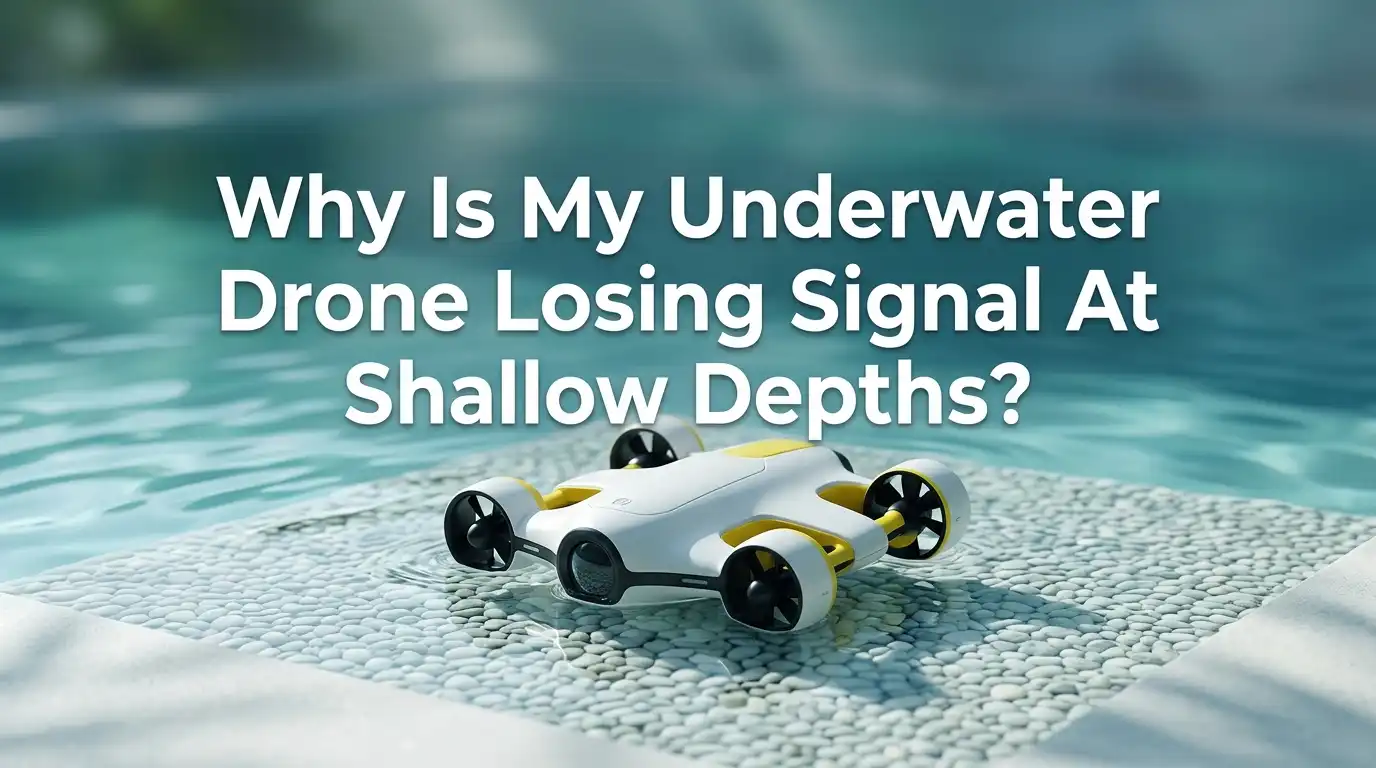
Why Is My Underwater Drone Losing Signal At Shallow Depths?
Underwater drones are amazing tools for fishing, inspections, and ocean exploration. But many pilots face one frustrating problem. Their drone loses signal in shallow water, which is the last place you would expect trouble.
You launch the unit, it drops a few feet, and suddenly the video stutters or the controls freeze. The deeper depths work fine, yet the surface zone becomes a dead spot.
This post explains why this happens and how to fix it. You will learn about radio physics, tether issues, wave action, and antenna placement. Each section gives you practical steps you can use today.
Key Takeaways
- Radio waves do not travel well through water. Wi-Fi, Bluetooth, and most RF signals fade fast once the antenna goes below the surface, even by a few inches. Most consumer drones use a tether or surface buoy to solve this.
- Surface chop and bubbles are the biggest enemy near the top. Waves break the line of sight between the buoy and the controller, and air bubbles around the dome scatter acoustic and optical sensors.
- Tether problems often show up in shallow water first. A coiled, kinked, or twisted cable can pinch the conductors and cause data dropouts before deeper pressure even comes into play.
- Antenna height and orientation matter more than you think. A vertical antenna on a tall buoy or boat rail gives you a much cleaner link than one lying flat near the waterline.
- Electrical noise from thrusters and metal hulls can drown out a weak signal at shallow depths where the drone is still close to the boat. Grounding checks fix this fast.
- Firmware bugs and channel congestion in busy marinas can mimic a hardware fault, so always test in open water before blaming the drone.
How Radio Signals Behave In Shallow Water
Radio waves and water do not get along. Water absorbs RF signals very quickly, and salt water is even worse than freshwater. A Wi-Fi or 2.4 GHz signal can drop to nothing within a few inches of submersion.
This is why almost every underwater drone uses a physical tether instead of a wireless link. The tether carries data through copper or fiber, which water cannot block. If your drone seems wireless, it really has a floating buoy on top that holds the antenna above the surface.
Shallow depths cause problems because the buoy or antenna can still be splashed, tilted, or dragged under by waves. The signal works best when the antenna stays dry and upright. Even a single wave washing over the float will cause a brief dropout that looks like a depth issue.
Surface Wave Action And Reflection Problems
Water acts like a mirror for radio waves. The closer your transmitter sits to the surface, the more the signal bounces back at it. This creates multipath interference, where the original signal and its reflection cancel each other out.
In shallow water, your drone sits near this reflective layer. Waves make the surface uneven, so the reflection angle changes constantly. The receiver sees a flickering signal that drops in and out as the geometry shifts.
To reduce this, raise your controller antenna higher. Stand on a boat deck rather than crouching at the rail. If you use a buoy, give it a tall mast so the antenna sits at least 12 inches above the waterline.
Pros of raising the antenna: simple, free, and works in minutes. Cons: the buoy becomes top heavy and may tip in rough seas, and tall masts can snag on overhead branches in rivers.
Tether Damage And Cable Stress
Your tether is the lifeline of the drone. A small fault in shallow water often grows into a complete cutoff as you go deeper. Check the cable jacket for nicks, cuts, or kinks every time you launch.
Many users coil the tether tightly on a small spool. This creates induction loops that interfere with the data signal. Lay the cable out in loose figure eight patterns on deck instead.
If you suspect a tether fault, try a short test cable of 2 meters. Connect the drone directly to the controller without the main reel. If the signal stays clean, your main tether is the problem.
Pros of a tether swap test: fast and gives a clear answer. Cons: you need a spare cable on hand, and not every brand sells replacement tethers cheaply.
Bubbles Around The Drone Body
When your drone first enters the water, air bubbles cling to the dome, camera, and sensors. These bubbles scatter sonar pings and confuse depth sensors. They also trap moisture against the antenna housing if your unit uses any short range RF for status data.
The fix is simple. Dunk and swirl the drone before you launch. Hold it under the surface and rock it side to side. The bubbles will release and float away.
You can also dive quickly to a meter or two. The water pressure and flow strip the bubbles off in seconds. Some pilots wipe the dome with a soapy rag before launch, since the surfactant breaks surface tension and stops bubbles from forming.
Pros of pre wetting: zero cost and instant results. Cons: you must remember to do it every single launch, and cold water makes the task unpleasant.
Electrical Interference From The Boat
Shallow water often means you are still close to your boat or dock. Metal hulls, outboard motors, and onboard electronics all emit electrical noise. This noise leaks into your tether and corrupts the data signal.
Common offenders include fish finders, VHF radios, and inverter chargers. Turn them off one by one to find the culprit. Move the controller and tether reel away from the boat battery and engine block.
Check your ground connections too. A floating ground on the ROV power supply can cause strange dropouts that vanish once you dive deeper and move away from the noise source.
Pros of isolating electronics: finds hidden faults that no manual mentions. Cons: turning off the fish finder defeats half the reason you brought the drone fishing in the first place.
Antenna Placement On The Buoy
If your underwater drone uses a surface buoy, antenna position is everything. The antenna must stay vertical and dry. A buoy that tips, spins, or drifts low in the water will lose link constantly.
Mount the antenna on a short mast above the float. Aim for at least 10 to 15 inches of clearance from the waterline. Use a counterweight under the buoy to keep it upright in chop.
Make sure the antenna on your controller matches the orientation. Both should be vertical for best polarization match. A horizontal handheld controller paired with a vertical buoy antenna can cut your range in half.
Pros of vertical alignment: doubles effective range in many cases. Cons: vertical antennas catch wind and can drag the buoy in strong breezes.
Wi-Fi Channel Congestion In Crowded Areas
Many underwater drones use 2.4 GHz or 5 GHz Wi-Fi between the buoy and your phone or tablet. In busy marinas, beaches, and harbors, dozens of other Wi-Fi networks share these bands. The shallow zone is where you are most exposed to that interference.
Open your phone Wi-Fi settings and scan the area. If you see 20 or more networks, congestion is likely. Move to a quieter spot or use a Wi-Fi analyzer app to pick a clearer channel.
Some drones let you switch between 2.4 GHz and 5 GHz manually. The 5 GHz band has shorter range but far less interference. Try both and see which gives a smoother feed in your launch area.
Pros of channel switching: instant improvement in crowded spots. Cons: 5 GHz signals weaken faster over water, so you trade interference for range.
Software, Firmware, And App Glitches
Sometimes the hardware is fine and the software is the bottleneck. An outdated app or firmware version can cause random disconnects that happen to occur at shallow depths simply because that is when you start the dive.
Update your drone firmware before every major outing. Check the manufacturer website rather than relying on the app alone. Some updates fix known signal issues that match your exact symptoms.
Close background apps on your phone or tablet. Streaming music, cloud backups, and notifications all steal bandwidth from the drone feed. Put the device in airplane mode with only Wi-Fi enabled if your drone connects locally.
Pros of software fixes: free and reversible. Cons: a bad firmware update can introduce new bugs, so read user reports before installing.
Battery Voltage Drops And Power Issues
A weak battery in the controller or buoy can cause signal loss that looks like a depth problem. Transmitters draw more current when they boost output to maintain a link. If voltage sags, the radio cuts back its power and the signal drops.
Charge every battery in the system before each dive. This includes the drone, the buoy if it has one, and your phone or tablet. A phone at 15 percent often throttles its Wi-Fi radio to save power.
Carry a spare power bank for long sessions. Cold water also reduces battery capacity by 20 to 30 percent, so plan for shorter runtimes in winter.
Pros of a full charge routine: prevents the most common mid dive failures. Cons: charging multiple devices takes time and outlet space on small boats.
Salt Water Versus Freshwater Differences
The water type changes how your drone behaves at shallow depths. Salt water is electrically conductive, which means it shorts across any tiny gap in your tether insulation. Freshwater is far more forgiving.
Inspect connectors and cable joints after every salt water trip. Rinse the entire system with freshwater before storage. Salt crystals build up on contacts and create high resistance points that show up as random signal loss on the next dive.
Salt water also corrodes anodes and metal fittings. A corroded ground point on your reel or controller mount can pump noise into the signal path. Replace anodes yearly and use marine grade connectors throughout.
Pros of strict rinse habits: doubles the lifespan of your gear. Cons: requires a freshwater source at the dock, which is not always available.
Step By Step Troubleshooting Routine
When your drone loses signal at shallow depths, work through these steps in order. Start with the simplest checks before opening anything up.
First, lift the buoy or antenna out of the water and confirm the signal returns. This proves the issue is water related. Second, swap to a short test tether to rule out cable damage. Third, move away from your boat and other electronics by at least 20 feet.
Fourth, check the Wi-Fi channel for congestion using a free app. Fifth, update firmware and restart all devices. Sixth, inspect every connector for corrosion or moisture. Document which step fixes the problem so you can skip ahead next time.
Pros of a routine: finds the cause in under 10 minutes most days. Cons: requires patience when you just want to fly.
When To Call The Manufacturer Or A Repair Shop
If you have worked through every fix and still see signal loss, the issue may be inside the drone. Internal antenna cables, waterproof seals, and main boards are not user serviceable on most consumer models.
Contact the manufacturer support line first. Many brands offer free diagnostics for units still under warranty. Share your test results so the technician can skip basic questions.
For older drones out of warranty, look for an authorized repair center. Avoid generic electronics shops, since underwater drones need pressure tested seals after any opening. A bad reseal can flood the unit on the next dive.
Pros of professional repair: preserves waterproofing and warranty. Cons: shipping and repair fees can approach the cost of a new drone for budget models.
FAQs
Why does my drone work at 30 feet but not at 3 feet?
Shallow water places your buoy and antenna close to surface chop, reflections, and electrical noise from your boat. Deeper water moves the drone away from these issues, even though the link itself is unchanged.
Can I use a wireless underwater drone without any tether?
True wireless underwater control is very limited. Radio waves do not pass through water well, so most so called wireless drones use a floating buoy with a short tether. Fully wireless models exist but rely on slow acoustic links.
Does rain affect my underwater drone signal?
Yes, heavy rain disrupts the air gap between your controller and the buoy antenna. Water droplets scatter the radio signal and soak the antenna housing. Cover the buoy mast with a small rain shield if you must fly in wet weather.
Will a longer tether give me a stronger signal?
No, longer tethers add resistance and signal loss. Use the shortest tether that reaches your target depth. Extra length should stay on the reel, not dragged through the water where it can tangle or pick up noise.
How often should I replace my underwater drone tether?
Most tethers last two to three seasons with normal use. Inspect monthly for nicks, kinks, and connector corrosion. Replace sooner if you see any insulation damage, since one bad spot will get worse fast in salt water.

Hi, I’m Rue Hessel, the founder and voice behind TheGenTool. I’m a passionate tech enthusiast who loves exploring the latest gadgets, smart devices, and electronics that shape our everyday lives. Through my website, I share honest, hands-on reviews of trending Amazon products to help you make smarter and more confident buying decisions.